
Map.vue
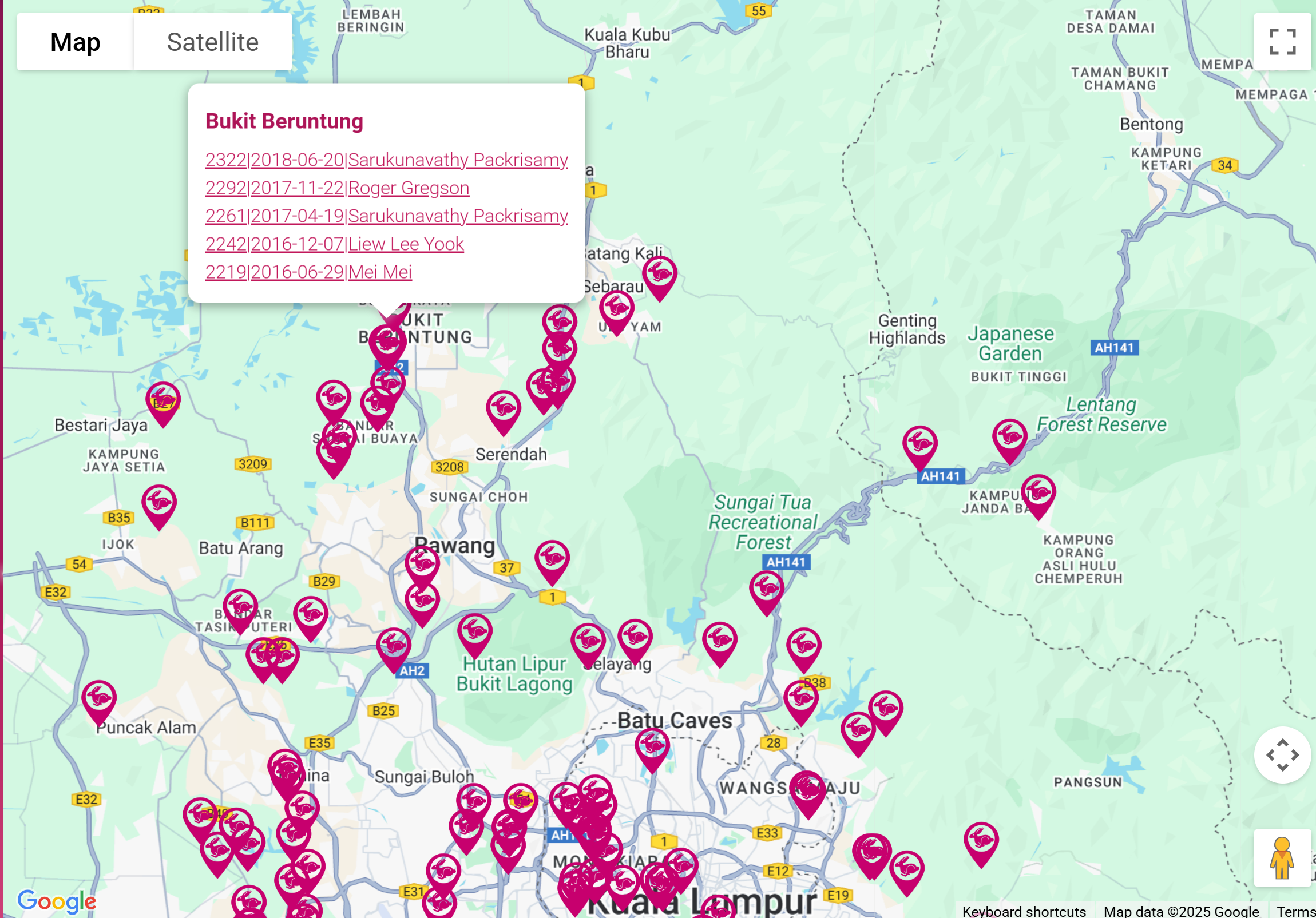
This component renders a Google Map with markers.
Used by
Functions
initMap
Initializes the Google Map instance. This asynchronous function loads the Google Maps API and creates a new Google Map centered at the specified coordinates with the given zoom level. It also sets up an InfoWindow instance for displaying marker information and invokes the function to add markers to the map.
addMarkersToMap
Adds markers to the map This function iterates over the list of marker objects provided in the markers prop and creates a Google Maps Marker instance for each one. The markers are then added to the map. The function also handles the display of the infoWindow for each marker. For mobile devices, the infoWindow is displayed on click. For desktop devices, the infoWindow is displayed on mouseover.
removeInfoWindowCloseButton
Removes the close button from the Google Maps infoWindow by setting its display property to 'none'. This is done to prevent the infoWindow from closing when the user interacts with its content. This function is called when the infoWindow is opened and after the DOM has been updated (i.e. inside a setTimeout).
handleResize
Handles window resize events and updates the map accordingly. When the window is resized, it checks if the screen width is less than or equal to 768px (i.e. mobile) and updates the isMobile property accordingly. It also reapplies the correct event listeners to the markers by calling the addMarkersToMap function again.
Warning: This doesn't seem to work for some screen sizes - Samsung tablet does neither nor
Reactivity
(anonymous) (watch)
Function watches the zoom factor of a map and updates it accordingly
(anonymous) (watch)
Function watches the center of a map and updates it accordingly
(anonymous) (watch)
Function watches the markers of a map and updates them accordingly