
RegisterExpense.vue
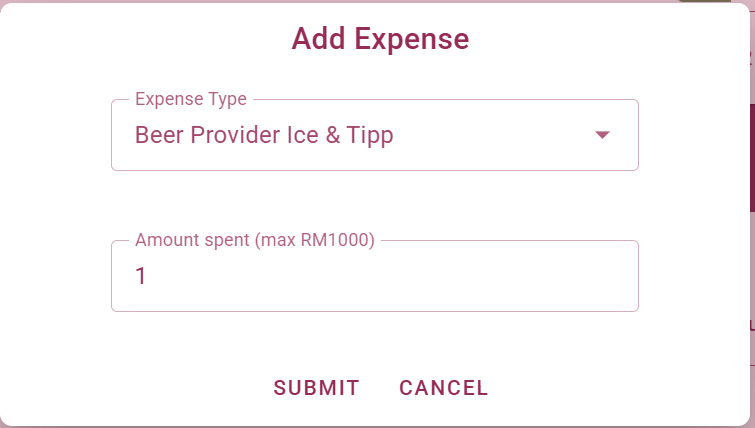
This component renders the Register Expense dialog. It displays available expense items in a selection box, enforces a text for a free text item and creates expenses in the database / local storage.
Emits
update:modelValue
Used by
Used Stores
Functions
closeRegisterDialog
Resets the form and closes the dialog. Emits an event to update the modelValue prop to false (tell the parent to close the dialog), resets the form and its validation state, and resets all form fields to their default values.
submitCashExpense
Submits a new cash expense by creating a new entry in the expenses store (via the createCashExpense action) and displays a snackbar with the result (success or error).
resetForm
Resets the form and its validation state, and sets the newExpenseItem to its default values. This is called when the dialog is opened or when the modelValue prop changes.
Reactivity
expenseTypes (computed)
Returns the list of expense types for the selected item
requiresFreeText (computed)
Checks if the selected expense type is "Free Texxt Item", which requires a free text input.
(anonymous) (watch)
Reset the form and its validation state when the itemType prop changes, e.g. when switching between Subscriptions and Drinks
(anonymous) (watch)
Watches the modelValue prop and resets the form when it changes to true. This is used to reset the form when the dialog is opened.